-
Shop
- Advanced Technologies
- AI Career Advantage Collection
- AI Skills
- AI Skills for Creators & Freelancers
- AI Client Management
- AI Ethics
- AI Mindset
- AI Tools & Prompts
- AI Writing & Content Creation
- Audio, Voice & Music
- Design & Visual Creation
- Email, Messaging & Communication
- Freelancing & Business
- Marketing, Ads & Conversion
- Productivity, Workflow & Automation
- SEO & Search Optimization
- Social Media Content & Growth
- Strategy, Planning & Analytics
- Video Creation & Editing
- Bathroom
- Beauty
- Best-Sellers
- Car Accessories
- Car Buying & Ownership
- Confidence
- Dating & Social Skills
- Digital Resources
- AI & Technology
- Budgeting & Saving
- Cozy Feast Collection
- Electronics & Technology
- Emotional Intelligence
- Entrepreneurship & Business Growth
- Financial Education
- Financial Independence
- Financial Mindset & Psychology
- Goal Setting
- Hobbies
- Kitchen & Recipes
- Leadership
- Mindfulness
- Mindset
- Motivation
- Online Business
- Positive Thinking
- Productivity
- Self Confidence
- Sleep Improvement
- Smart Life with AI
- Stress Management & Relaxation
- Travel Planning
- Yoga & Fitness
- Yoga & Mind-Body Practices
- Education & Learning
- Family & Parenting
- Gadgets
- Health & Beauty
- Health & Wellness
- Home & Garden
- Home Styling & Organization
- Home Supplies
- Kids & Babies
- Legend Footwear Brands Collection
- Online Business for Beginners
- Parenting & Child Development
- Patio, Lawn & Garden
- Personal Growth
- Personal Style & Fashion
- Pet Care
- Pet Lifestyle & Wellness
- Pet Supplies
- Pets
- Smart Amazon Shopping
- Stress Relief & Relaxation
- TikTok Growth & Monetization Mastery
- Travel
- Travel & Adventure
- Wealth
- Wellness
- Popular
- Best deals
Amazon Trade-In Playbook: Turn Old Tech Into Savings
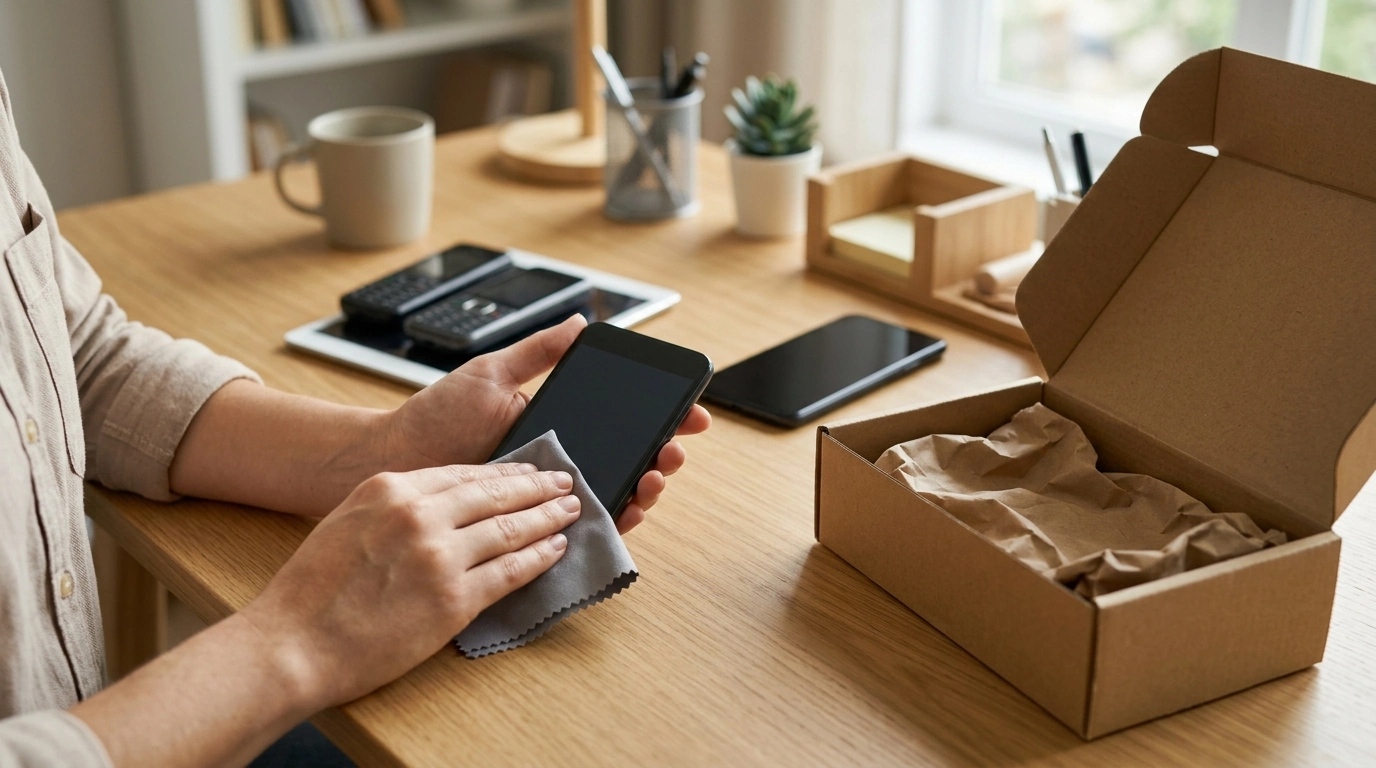
Save More with Amazon Trade-In: A Practical Playbook for Turning Old Tech Into Real Savings
Amazon’s Trade-In program can feel like “nice to have” until you use it with a plan. When you treat it like a repeatable system, it becomes one of the simplest ways to lower the cost of upgrades, clear out drawers of old devices, and stretch your budget without settling for worse tech. Our team’s goal with this playbook is to help you run Trade-In like a pipeline: choose the right items, describe condition accurately, ship fast, and apply the credit when it creates the biggest checkout impact. For more guidance, see Amazon Career Choice FAQ: How it works, 400+ eligible ….
How Amazon Trade-In Works (and Where the Savings Actually Come From)
Amazon Trade-In is a quote-based offer: you enter the exact device and condition, Amazon provides an estimate, you ship the item in, and the final value is confirmed after inspection. In most cases, the payout arrives as Amazon gift card credit. Sometimes, Amazon runs limited promotions that add a bonus (often a percentage boost) toward select purchases—when those appear, they can materially improve your “effective discount.” For further reading, see Free Amazon Codes and Vouchers: Your Ultimate Guide ….
The real savings usually come from combining three levers:
- A strong trade-in value for the item you’re sending in
- A promo bonus (when available) that multiplies the value of your trade
- Smart purchase timing (using the credit during price drops)
If you want the official rules in one place, Amazon maintains both the Trade-In program page and the Trade-In help/policies documentation.
The Fastest Path to Maximum Value: A Step-by-Step Workflow
Trade-In works best when you minimize delays and surprises. Here’s the workflow our team recommends for predictable outcomes and fewer value leaks:
- Check eligibility and current offers: Start with your category (phones, tablets, e-readers, streaming devices, game consoles, and eligible accessories) and confirm Amazon currently accepts your model.
- Get the quote and lock it in: Enter the exact model and pick the condition that matches reality. Pay attention to shipping deadlines so your offer doesn’t expire.
- Prepare the item properly: Back up data, factory reset, remove accounts/activation locks, and clean the device. Missing any of these can reduce value or stall processing.
- Ship immediately: The sooner you ship, the more stable the process tends to be—especially around major sale periods.
- Track inspection and credit: Monitor status updates. Once credit hits your account, apply it to a planned purchase rather than spending it in fragments.
- Stack savings (when possible): Use gift card credit alongside sale pricing, eligible coupons, and other checkout discounts that apply to your cart.
Trade-In Workflow Checklist (Keep Value From Slipping)
| Stage | What to do | Why it matters |
|---|---|---|
| Before submitting | Confirm exact model + condition; verify eligibility | Prevents under-quoting and reduces inspection disputes |
| Before shipping | Back up data; factory reset; remove SIM/SD; sign out of accounts | Avoids rejection and protects privacy |
| Packing | Use protective padding; include any required components | Reduces damage-in-transit deductions |
| After shipping | Track package + inspection status | Catches delays early and keeps timelines tight |
| After credit posts | Apply credit to a planned purchase during a deal window | Turns credit into real savings instead of impulse spend |
What to Trade In (and What to Sell Elsewhere Instead)
Not every device is a perfect Trade-In candidate. The best targets are items with steady demand and simple condition grading—where convenience and predictable checkout savings matter more than squeezing out every last dollar.
Timing: When Trade-In Delivers the Biggest Savings
Condition Grading: How to Describe Your Item Without Losing Value
Common Mistakes That Reduce Your Trade-In Payout
Build a “Trade-In Savings Plan” for the Next Upgrade
When your credit posts, aim it at something that improves daily life instead of replacing a device that still performs well. If you want a structured walkthrough you can reuse, our team keeps a streamlined reference available here: Save More with Amazon Trade-In: The Ultimate Guide to Using Amazon’s Trade-In Program for Maximum Savings.
Use Your Savings Intentionally (A Few Smart Ways to Redirect the Budget)
Once you’ve converted old tech into credit, you get to decide where the savings land. Some shoppers funnel it right back into upgrades; others offset bigger household purchases. If you’re planning a home refresh, you can also put trade-in savings toward longer-term items like a statement piece (for example, Luxury 70″ Fluted Fireplace TV Stand) or skill-building guides that help you make better design decisions without costly trial-and-error (like Styling High-End Living Room | eBook Guide).
FAQ
How long does an Amazon Trade-In usually take from shipping to credit?
It typically moves through shipping, receipt, inspection, and then credit issuance, with timing varying by device category and seasonal volume. Shipping promptly and tracking status reduces delays and helps you line up the credit with your planned purchase window.
Can Amazon Trade-In credit be combined with sales or coupons?
In many cases, gift card credit applies at checkout on top of sale pricing, effectively acting like another discount layer. Whether it stacks with a specific coupon or promotion depends on the exact offer terms tied to the item you’re buying.
What should be done before trading in a phone, tablet, or Kindle?
Back up anything you want to keep, then factory reset the device, remove SIM/SD cards, sign out of all accounts, and disable activation locks. Package it with protective padding to avoid transit damage deductions.















Leave a comment