-
Shop
- Advanced Technologies
- AI Career Advantage Collection
- AI Skills
- AI Skills for Creators & Freelancers
- AI Client Management
- AI Ethics
- AI Mindset
- AI Tools & Prompts
- AI Writing & Content Creation
- Audio, Voice & Music
- Design & Visual Creation
- Email, Messaging & Communication
- Freelancing & Business
- Marketing, Ads & Conversion
- Productivity, Workflow & Automation
- SEO & Search Optimization
- Social Media Content & Growth
- Strategy, Planning & Analytics
- Video Creation & Editing
- Bathroom
- Beauty
- Best-Sellers
- Car Accessories
- Car Buying & Ownership
- Confidence
- Dating & Social Skills
- Digital Resources
- AI & Technology
- Budgeting & Saving
- Cozy Feast Collection
- Electronics & Technology
- Emotional Intelligence
- Entrepreneurship & Business Growth
- Financial Education
- Financial Independence
- Financial Mindset & Psychology
- Goal Setting
- Hobbies
- Kitchen & Recipes
- Leadership
- Mindfulness
- Mindset
- Motivation
- Online Business
- Positive Thinking
- Productivity
- Self Confidence
- Sleep Improvement
- Smart Life with AI
- Stress Management & Relaxation
- Travel Planning
- Yoga & Fitness
- Yoga & Mind-Body Practices
- Education & Learning
- Family & Parenting
- Gadgets
- Health & Beauty
- Health & Wellness
- Home & Garden
- Home Styling & Organization
- Home Supplies
- Kids & Babies
- Legend Footwear Brands Collection
- Online Business for Beginners
- Parenting & Child Development
- Patio, Lawn & Garden
- Personal Growth
- Personal Style & Fashion
- Pet Care
- Pet Lifestyle & Wellness
- Pet Supplies
- Pets
- Smart Amazon Shopping
- Stress Relief & Relaxation
- TikTok Growth & Monetization Mastery
- Travel
- Travel & Adventure
- Wealth
- Wellness
- Popular
- Best deals
Relaxed Digital Living: 7-Day Reset for Screen Calm
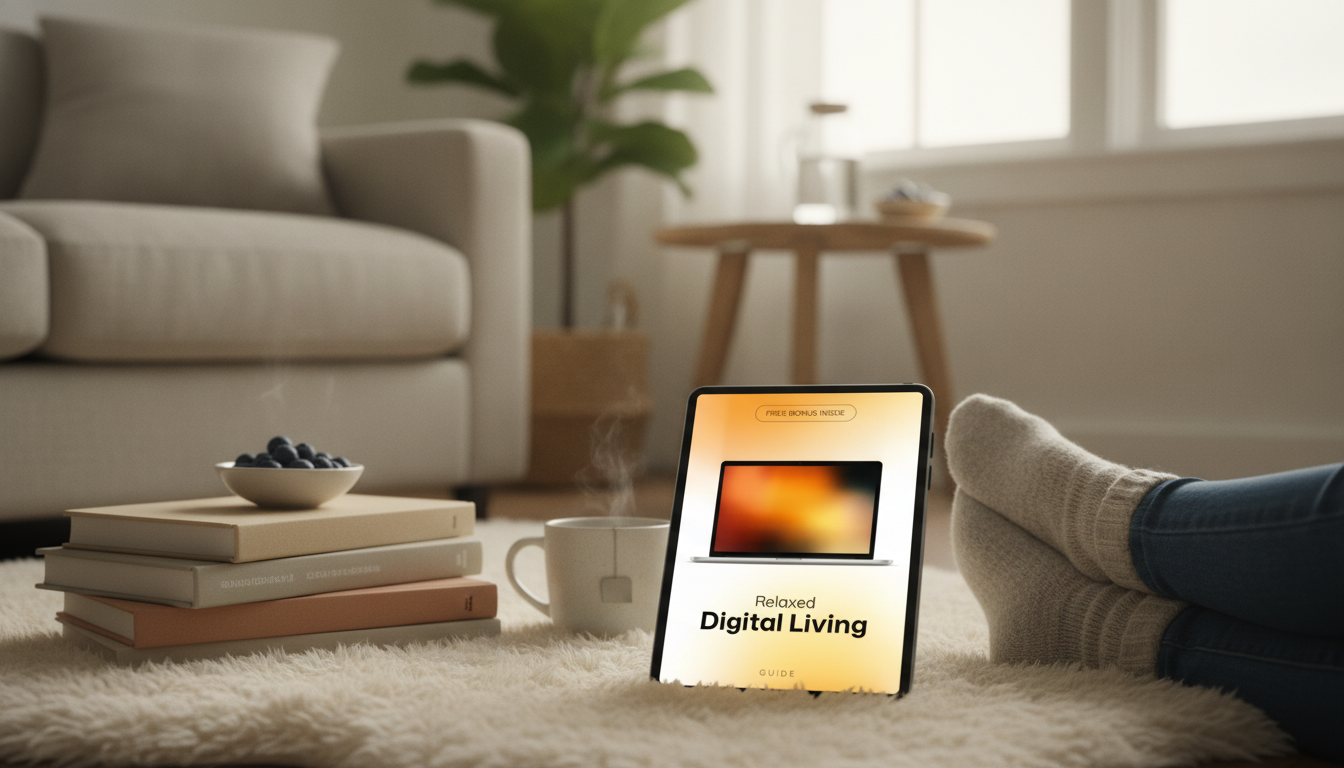
Relaxed Digital Living: A Practical Plan for Clearer, Calmer, Smarter Screen Habits
Digital tools can save time, yet constant pings, cluttered apps, and endless feeds often create low-grade stress. A relaxed digital routine focuses on fewer interruptions, clearer boundaries, and intentional use—so devices support life instead of fragmenting it. The steps below offer a simple reset that works whether the day is work-heavy, family-filled, or both.
Spot the hidden stressors in a typical day
Most screen stress doesn’t come from one big problem—it comes from dozens of tiny nudges. Start by noticing what repeatedly pulls attention away from what you meant to do.
- Notice the top three triggers: notifications, multitasking, doomscrolling, or decision fatigue from too many apps.
- Identify “hot zones” where stress spikes: mornings, commute, late evening, or between meetings.
- Separate urgent from loud: most alerts are informational, not time-critical.
- Watch for cognitive clutter: too many open tabs, unread badges, and chaotic home screens.
Quick digital stress audit
| Stress signal | Common cause | One small fix today |
|---|---|---|
| Frequent phone checking | Badge counts and push alerts | Turn off nonessential notifications; keep calls/messages from key people |
| Racing thoughts at night | Late scrolling and bright screens | Set a “screens off” time and enable Night Shift/blue-light filter |
| Feeling behind | Too many inboxes and chat threads | Pick one primary inbox; schedule 2–3 check-in windows |
| Can’t focus | Tabs, pop-ups, multitasking | Use a focus mode; close all but one task tab |
| Mental clutter | Messy photos/files/notes | Create 3–5 top-level folders and a weekly 10-minute tidy |
Set a calmer notification and messaging system
Notifications are the fastest way to turn a normal day into a jittery one. The goal isn’t “no alerts.” It’s fewer, better alerts that match real priorities.
- Use a “default silent” approach: allow only time-sensitive alerts (calls, direct messages from priority contacts, calendar alarms).
- Remove notification badges for social and shopping apps to reduce visual pulling.
- Create two message windows for most days (for example: late morning and late afternoon) to avoid constant context switching.
- Use Do Not Disturb or Focus modes by location/time: mornings, deep-work blocks, and bedtime.
If interruptions are driving stress or making tasks take longer, it’s not just an annoyance—it can change the quality of attention you bring to work and life. For background on how stress affects the body and mind, see the American Psychological Association’s overview of stress effects.
Build a simple home screen that makes good choices easier
A busy home screen quietly invites busy behavior. A calmer layout reduces decision fatigue, which makes it easier to put the phone down and return to what matters.
- Keep the first screen “quiet”: calendar, tasks, weather, and 4–8 essential apps.
- Move high-stimulation apps (social, news, shopping) off the home screen into a folder on the last page.
- Use grayscale during work blocks if visual novelty is a distraction.
- Reduce decision fatigue: one notes app, one to-do list, one primary email client.
A practical shortcut: name the last-page folder something honest (like “Later” or “When I Choose”). The label itself becomes a tiny pause before tapping.
Create boundaries that protect focus and recovery
Boundaries don’t need to be dramatic. One or two consistent rules can lower the baseline “always-on” feeling and bring attention back to the present.
- Choose a daily “digital start” and “digital stop” time to reduce always-on pressure.
- Replace idle checking with a short list of defaults: stretch, water, quick walk, or a two-minute tidy.
- Use app timers for the two biggest time sinks, not for everything.
- Designate one low-tech micro-ritual: phone stays out of reach during meals or the first 20 minutes after waking.
Evening boundaries tend to pay off quickly. Blue light and stimulating content can make it harder to wind down; the National Sleep Foundation’s explanation of blue light and sleep offers a helpful overview of why a consistent screen cut-off can feel so calming.
Streamline information: inbox, files, photos, and tabs
When information is scattered, the brain keeps “open loops” running in the background. A light structure closes those loops without turning life into a filing project.
- Email: unsubscribe aggressively; create one “Later/Read” label; archive more than filing.
- Files: keep a small folder structure with dates and clear names; avoid deep nesting.
- Photos: favorite the keepers, delete duplicates/screenshots weekly, and use an “Inbox” album for quick sorting.
- Browser: use one window per project; pin only essentials; create a “Read Later” list instead of open tabs.
A useful rule of thumb for tabs: if it’s not something you’ll act on today, it belongs in “Read Later,” not in your working memory.
A 7-day reset plan that stays realistic
Guided support for calmer habits
If a step-by-step structure helps, Relaxed Digital Living: How to Make Your Digital Routine Less Stressful – A Guide to Clearer, Calm, and Smarter Digital Habits offers prompts and simple routines to reduce noise without trying to “optimize” every minute.
- Speak Up, Shine Bright: Unlocking Confident Communication (helpful if messaging and meetings are a major attention drain).
- Clear Pathways: Mastering High-Traffic Spaces at Home (supportive when digital clutter and physical clutter reinforce each other).
FAQ
How long does it take to feel less stressed about screens?
Many people notice relief within a few days after reducing notifications and creating clear check-in windows. Lasting change often takes 2–4 weeks of consistent boundaries and a weekly tidy.
Is deleting social media necessary for a calmer routine?
Not required. Moving apps off the home screen, disabling notifications, limiting use to set times, and curating feeds can reduce stress without quitting entirely.
What’s the single best change to start with?
Turn off nonessential push notifications and remove notification badges. It reduces interruptions and the feeling of being constantly behind.














Leave a comment